How to replace the internal lithium battery
The 3V lithium button cell battery of type CR1225 supplies the internal clock if the MRL-IE is not powered. Perform the following steps to replace the battery:
|
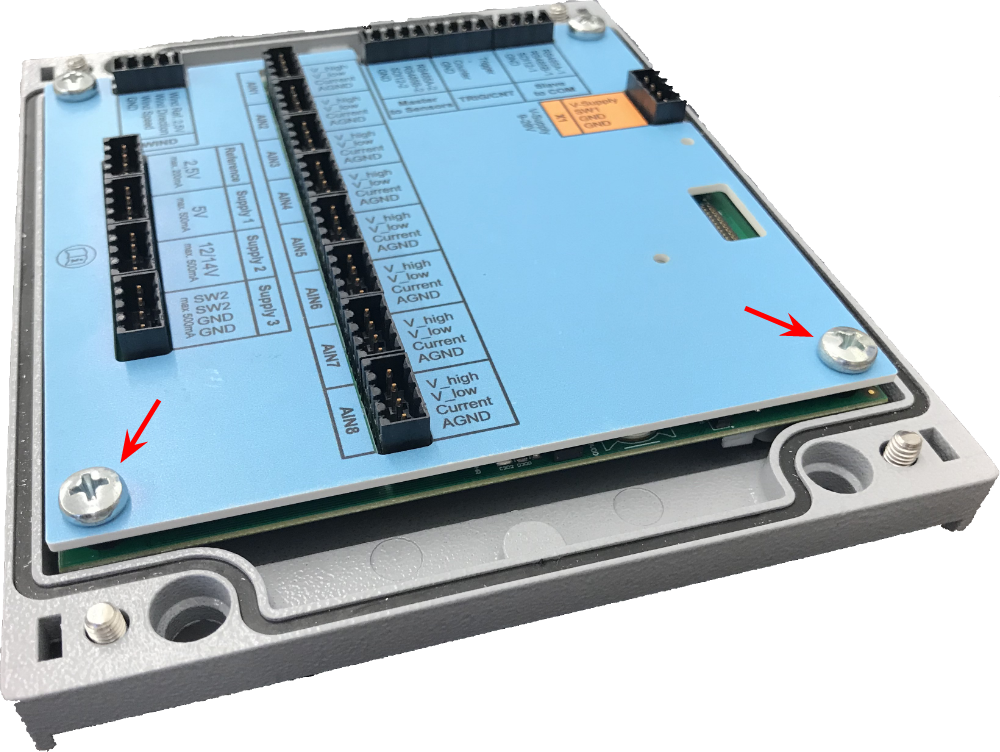
Unpower the device, open it and loosen the two bolts on the lithium battery side of the print. |
|
|
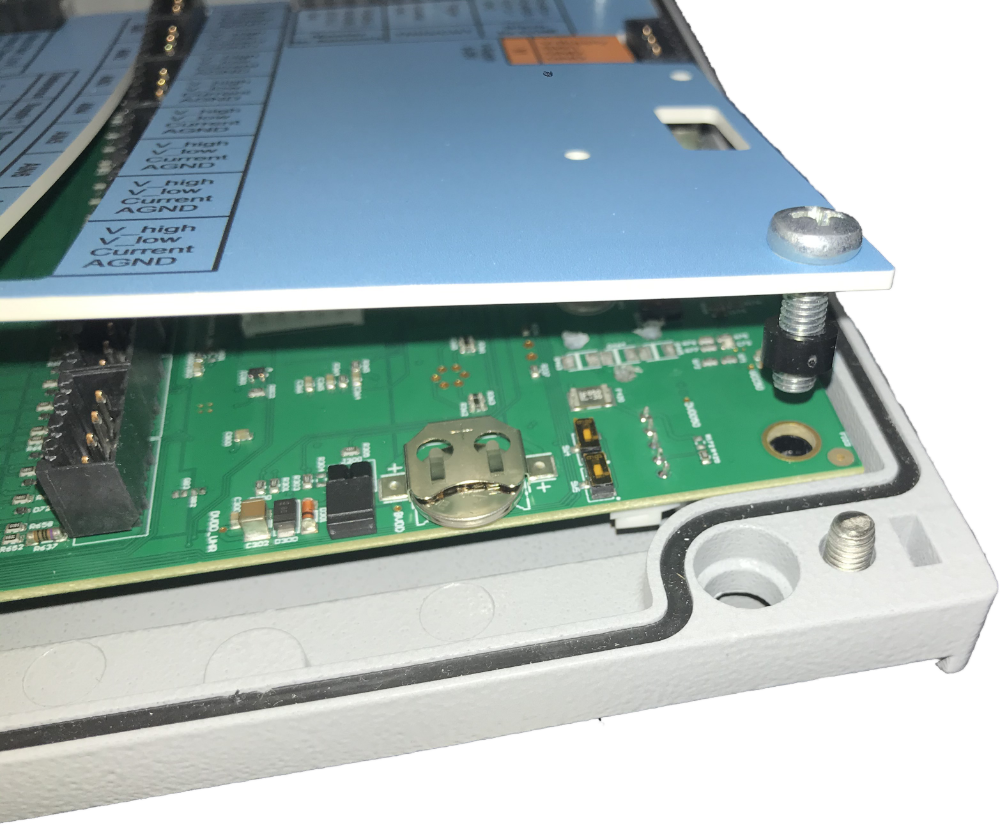
Gently lift the label-sheet with your fingertips. |
|
|
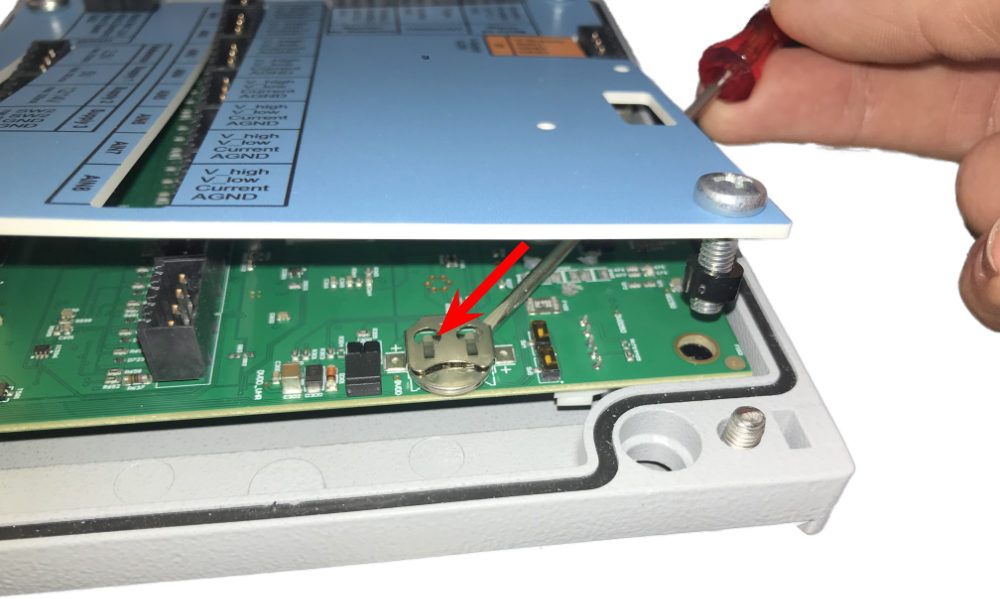
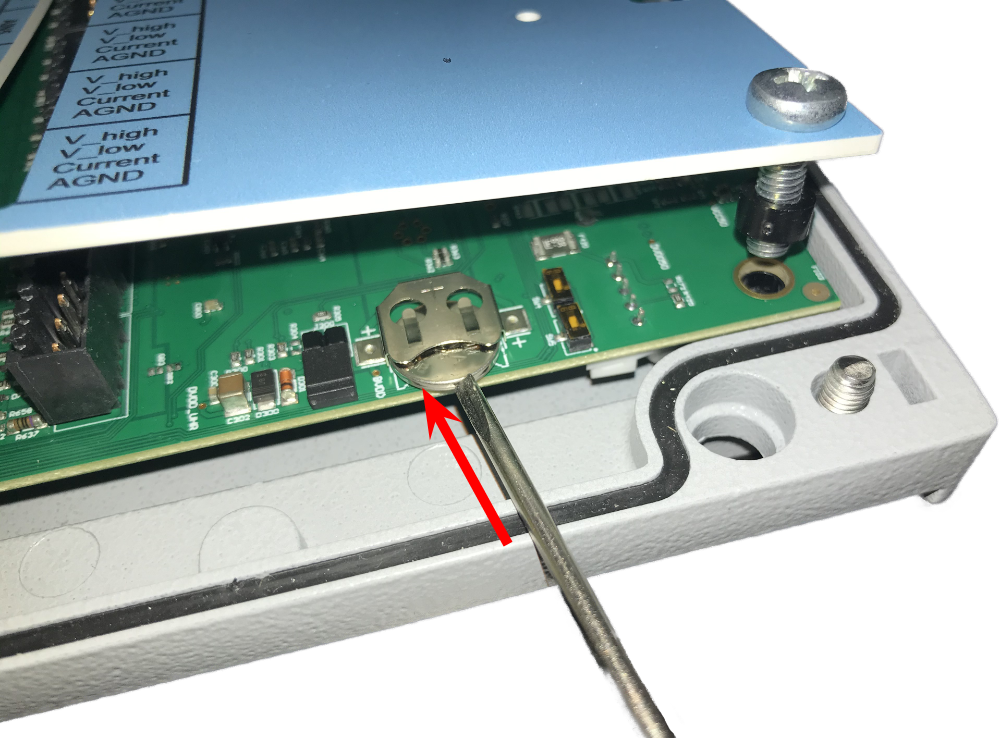
Push the lithium button cell battery with a small screwdriver out of its clip. |
|
|
Insert the new battery, + is facing upwards, with your finger tips or a small screwdriver into its clip. Gently tighten the bolts of the prints and close the device housing. |