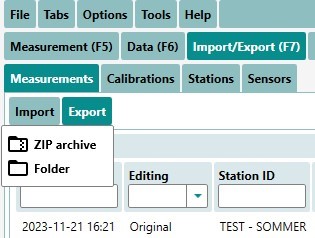
Export Data
Menu bar → Import / Export (F7)
We can import and export data in the TQ‑Commander software by clicking on the ‘arrow’ between the Import / Export windows detailed below. The following formats are available for the export of the measurement data:
- XML
- Zip archive
Depending on whether the Import or export tab is selected, the arrow will change direction to either export it out to a specified folder or import a file into the TQ‑Commander software so we can look at the data and manipulate or create reports from the measurements.
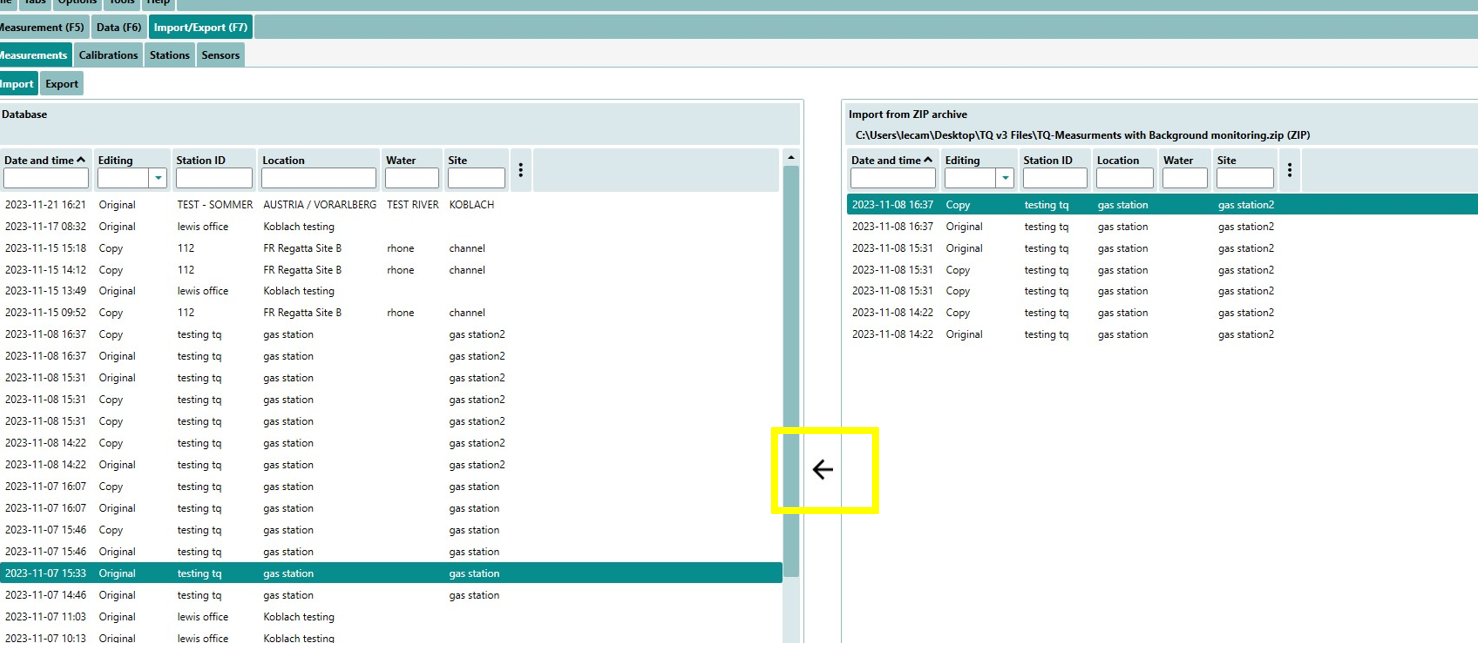
Files from the TQ‑Commander can be exported as a folder or Zip folder depending on requirements of user. Ensure you have highlighted the relevant measurements or file you wish to export. If we want to Import / export multiple measurements / calibrations / stations then use the Zip archive. If you wish to focus on one individual measurement then use the XML or Zip file.