
Update firmware
- Connect the USH-9 to your PC with the USB to RS485 isolated converter cable.
- Make sure no connection is active in the Commander (no green icon at the top-right corner).
- Click on the menu item Extra and select Start Programmer.
- Select the firmware file (*.hex) provided by SOMMER Messtechnik. Make sure the file is stored on your PC and not on a USB or network drive.
- Choose the COM-port the data logger is connected to and a Baud-rate of 57'600.
-
Perform the following three steps in short sequence:
- Click Program
- Unpower the data logger
- Wait 3…5 seconds to enable full activation of the bootloader and a correct restart (capacitors must be discharged, and if the device had been in sleep mode, this can take some time)
- Repower the data logger
The firmware currently present on the data logger is now erased and the new one copied to the data logger. During the update process the pop-up window may show the following messages:
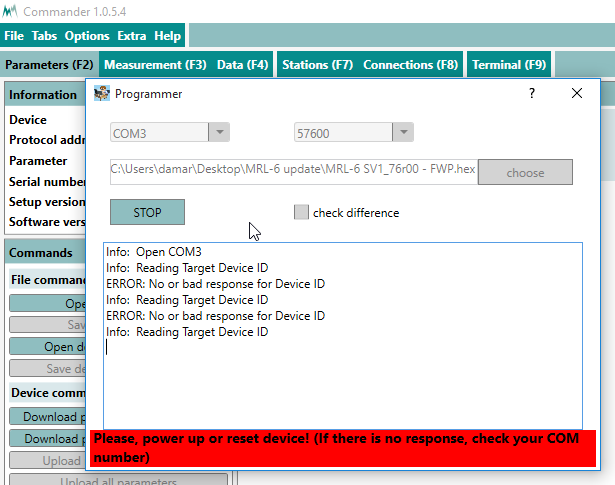
The programmer is not ready; power needs to be on.
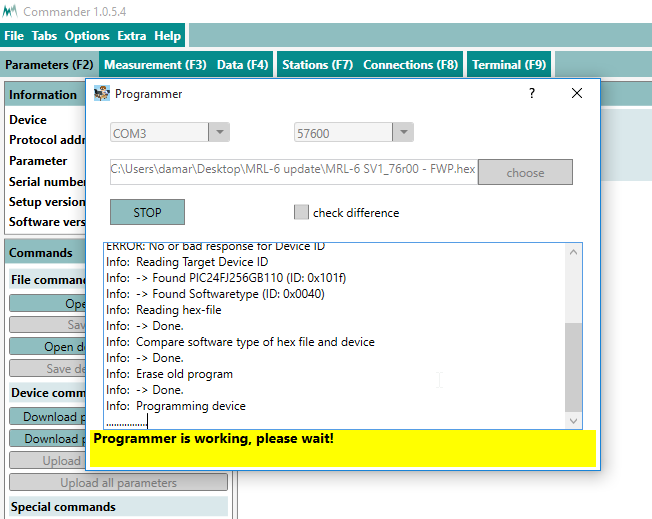
The programmer is active.
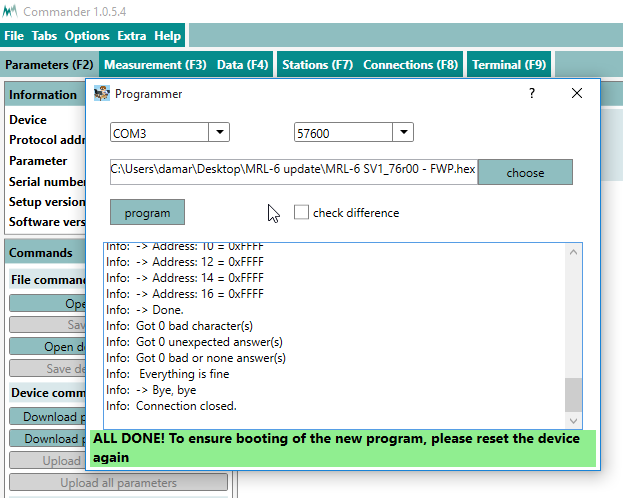
The firmware update has finished.
- Close the programmer-window as soon as the firmware update has finished.
- Switch off and repower the data logger again.
- Open the Parameters (F2) tab.
- Click Download parameters from device. The download of the new parameter list might take a few minutes as the parameter structure may need to be downloaded as well. After completion the new firmware and setup versions will be displayed in the Information section.