
Configuration with Commander support software
Follow the steps below to modify the configuration parameters of the SPA-2:
- Establish a connection between your PC and the SPA-2.
-
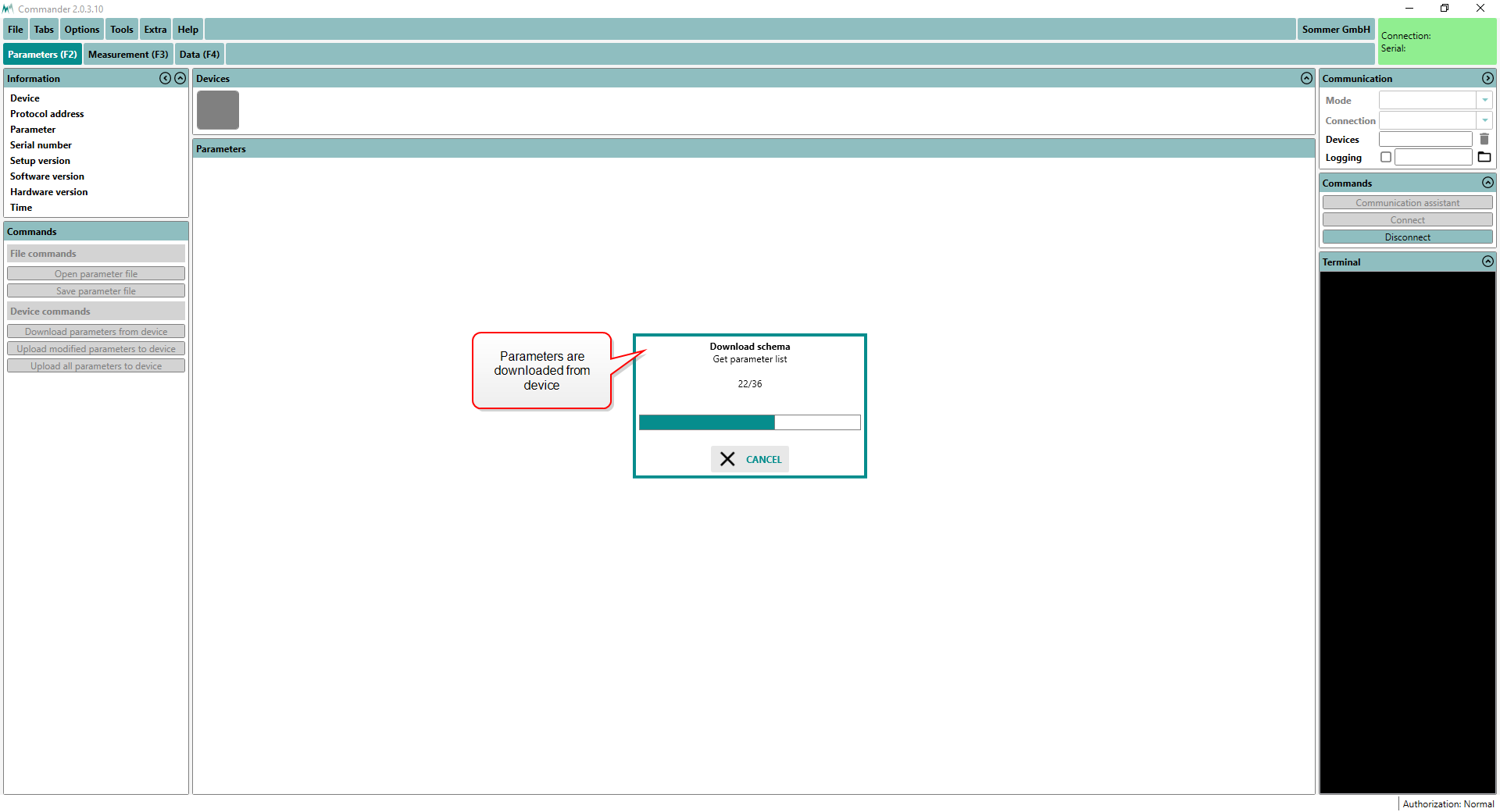
Click Download parameters from device. The complete parameter list is transferred from the SPA-2 to your PC and displayed in the Parameter window.
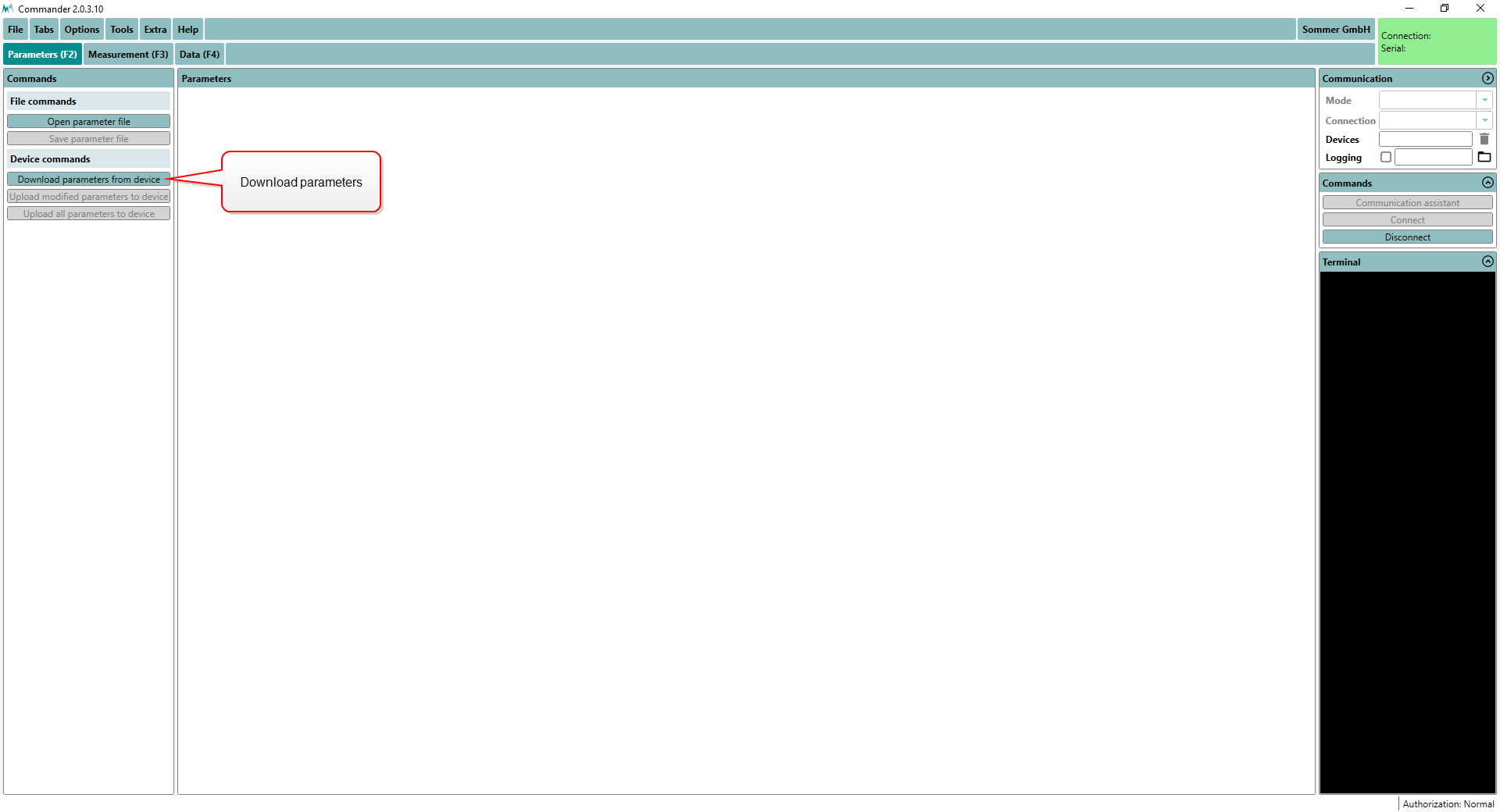
NOTE The first download of the parameter list may take a few minutes. After that the device is known to the PC and consecutive downloads are much faster.
-
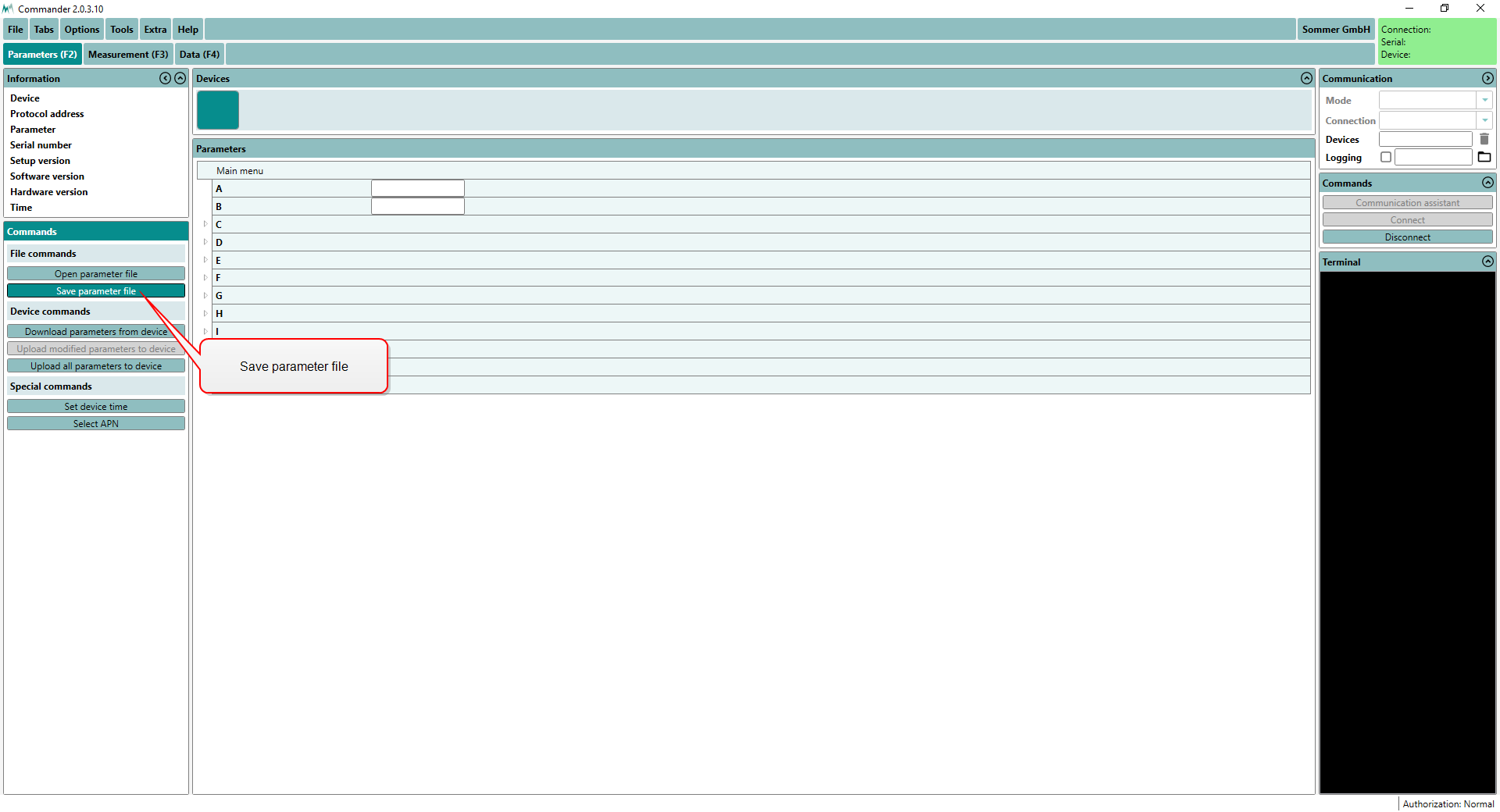
Save the parameter file to your PC by clicking Save parameter file. This step is recommended to track any configuration changes.
-
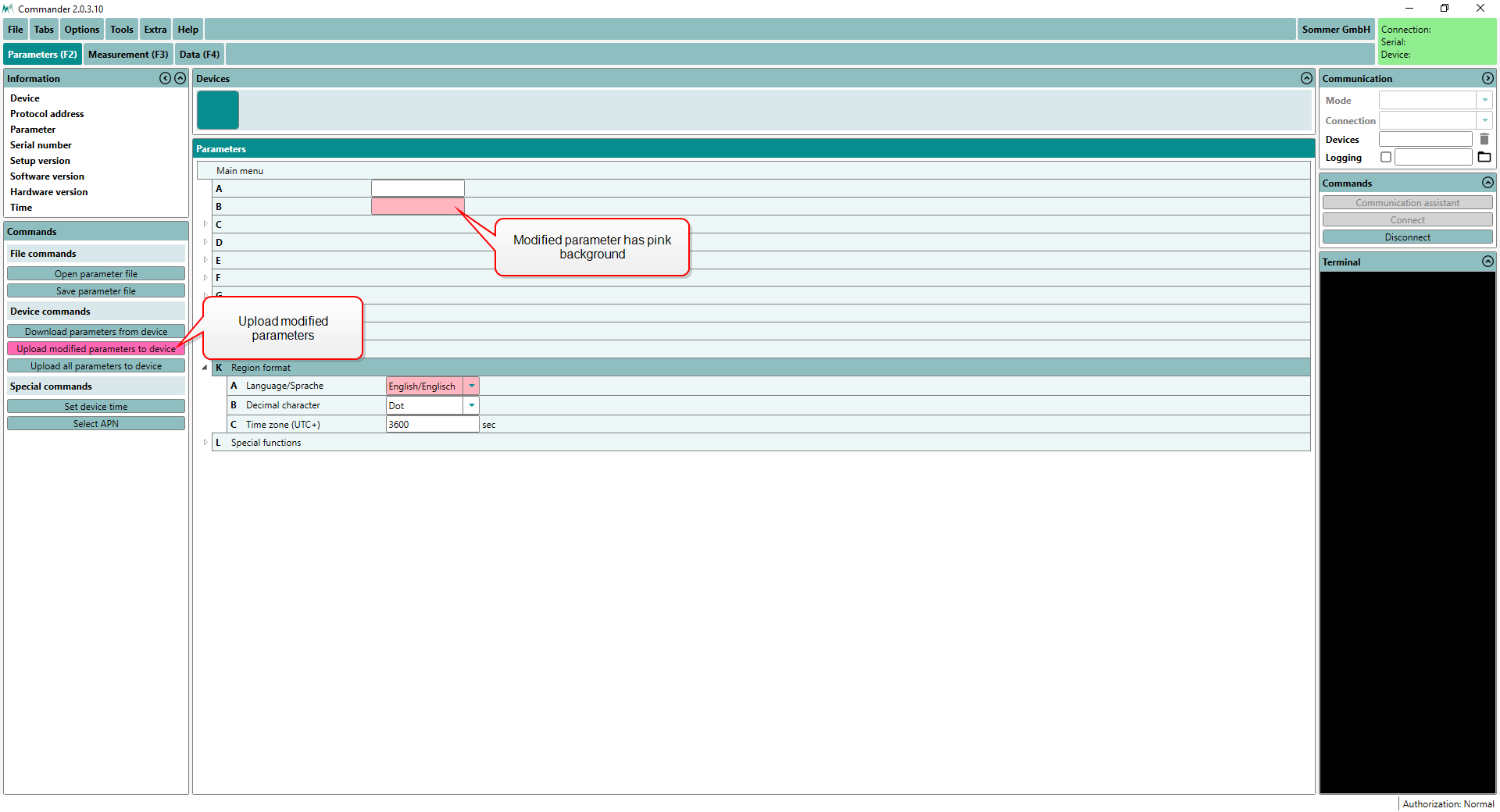
Adapt the parameters required for your application. Changed values are displayed with a pink background.
-
Send the modifications to the SPA-2 by clicking Upload modified parameters to device. Upon successful upload the pink backgrounds disappear again.