How to insert the SIM card
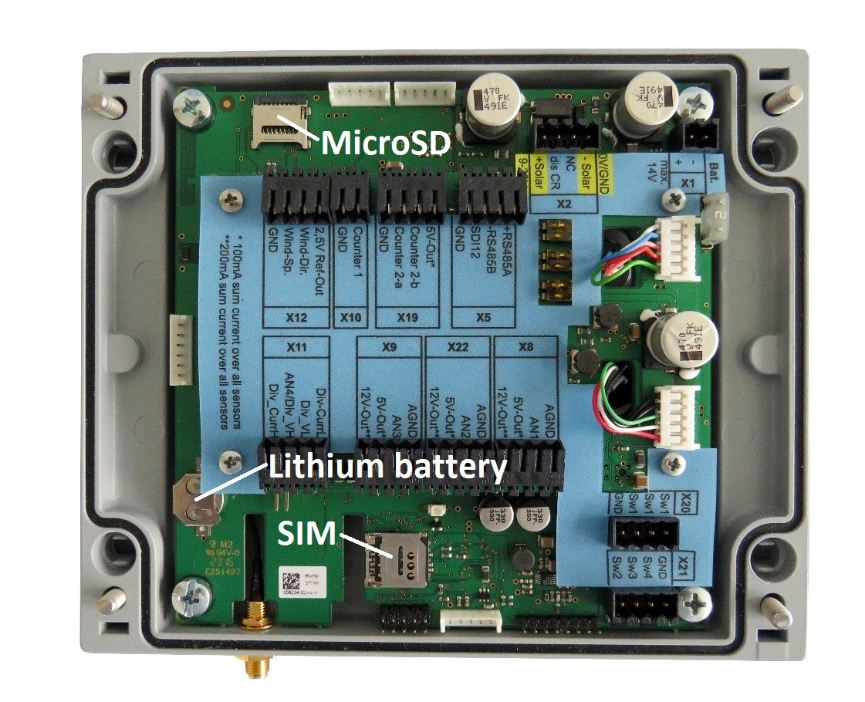
Figure 6 Slots for SIM-card, MicroSD-card and lithium battery
The location of the SIM-card slot is shown in Figure 6. The slot only accepts Micro-SIM cards.
|
|
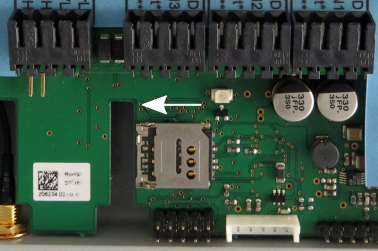
To insert a SIM-card open the housing as described in sectionHow to open the data logger housing and unlock the card-slot by pressing gently on the metal cover and sliding it slightly to the left. A faint click is audible. |
|
|
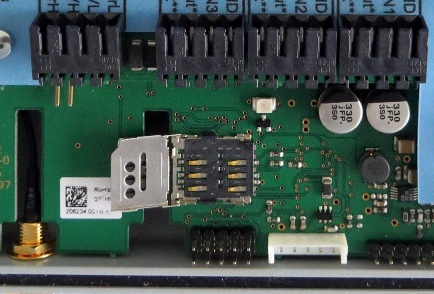
Open the cover of the slot. |
|
|
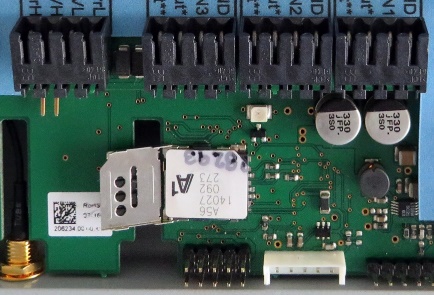
Place the SIM-card in the correct position onto the contact pins. ATTENTION Insert the SIM-card in the position as shown in the image! The trimmed corner of the card must match the raised corner of the slot.
|
|
|
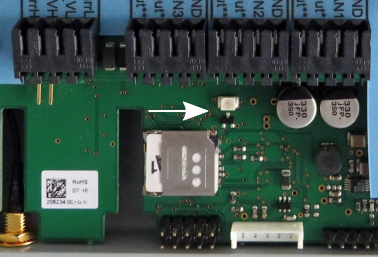
Close the cover and slide it back into the locked position. |